A PC port and emulation are different routes
A native PC edition is a release made for the PC platform. AnyPS5 is an independent emulation project for Windows. A game appearing in its catalogue is not an announcement that the publisher has released a Windows port, and the two should not share a release date by assumption.
That is why the catalogue keeps publisher platform information alongside separate AnyPS5 details. Read both when you open a title. The official publisher link is useful for checking platform announcements that may have changed since you last looked.
Three titles worth a closer look
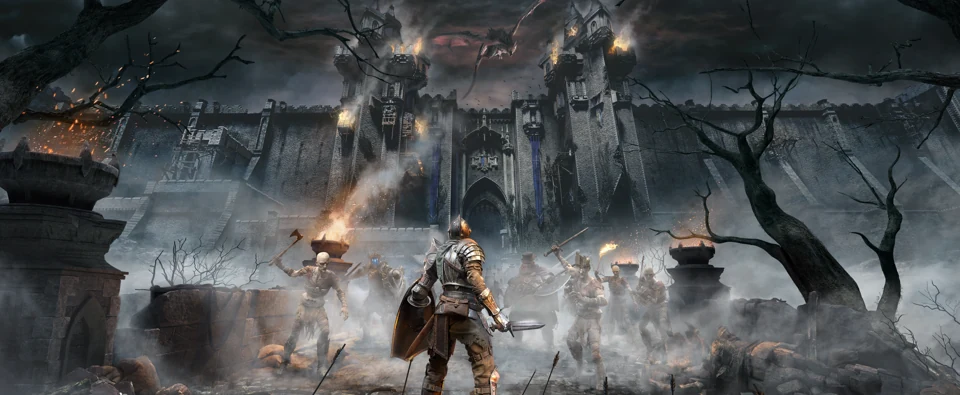
Demon’s Souls is a natural place to begin if you are drawn to dark fantasy and deliberate combat. ASTRO BOT offers a different direction through colourful platforming. Gran Turismo 7 is the racing entry, with its own PlayStation release information. All three have dedicated pages in our collection.
These examples are starting points, rather than a ranking of what runs best. Pick the kind of game you want, then read its individual AnyPS5 information. Artwork and an appealing description should introduce the game; they cannot tell you the performance of your particular PC.
Check availability in two places
First, check the game page for its published AnyPS5 availability and minimum requirements. Second, check the application download page. The website currently announces the Windows launcher as coming soon, so a released game’s console history should not be confused with an active public launcher download.
For upcoming games, the distinction is even more important. GTA VI has its own console countdown on the website, while its AnyPS5 availability is a separate update to follow in the launcher.
Build a reading list before a download queue
The useful part of browsing early is that you can make an informed shortlist. Search for a title, check its platform label and compare its requirements with your hardware. Follow the official game page when you need publisher announcements, and the AnyPS5 download page when you need the application.
When the launcher package is released, installation begins with extracting the downloaded archive and opening setup.exe. Until then, the catalogue and journal give you a place to understand the collection without treating an upcoming application as an already available installer.
Games in this article
Demon’s SoulsASTRO BOTGran Turismo 7Published by AnyPS5 Editorial.